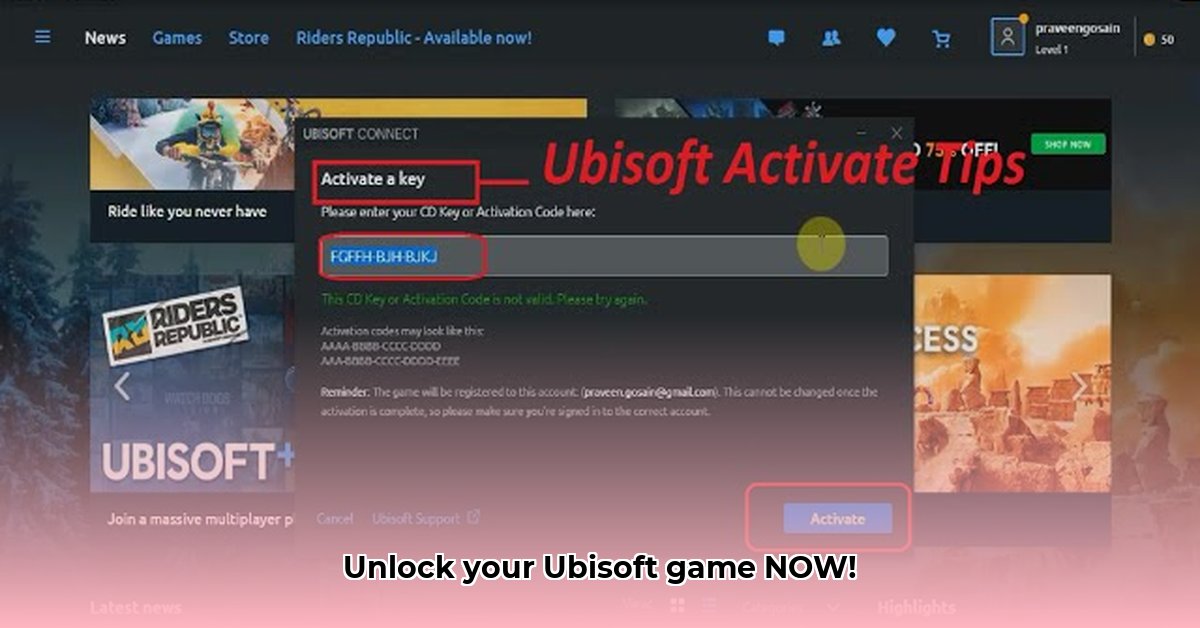
What is a Ubisoft Connect Key?
A Ubisoft Connect key is a unique alphanumeric code that unlocks your purchased Ubisoft game on your PC or console. Think of it as the digital key to your gaming adventure. Without it, you can't play the game. This guide helps you locate your key, no matter how you purchased the game.
Tracking Down Your Ubisoft Connect Key: A Step-by-Step Guide
This step-by-step guide will help you find your Ubisoft Connect key. The process varies slightly depending on where you bought the game.
Digital Downloads (Ubisoft Store, Epic Games Store, Steam, etc.):
1.1 Check Your Email Inbox (and Spam!): After purchasing, Ubisoft (or the retailer) usually sends a confirmation email containing your key. Check your inbox, including your spam or junk folder.
1.2 Review Your Order History: Log into the online store where you bought the game. Look for your order history (often under "Account," "Orders," or "Transactions"). Your key may be displayed or linked within the order details.
1.3 Examine Your Ubisoft Connect Game Library: Launch the Ubisoft Connect application. Your purchased game might already be in your library. If not, you might find a key redemption option within the application.
Physical Copies (Retail Stores):
2.1 Carefully Inspect the Game Box: The key is often printed on a card or leaflet inside the game's packaging. Sometimes it’s a sticker on or inside the case. Examine the box thoroughly.
2.2 Check Your Receipt: Some retailers print the key directly on the receipt. Carefully check your receipt to see if your key is present.
Troubleshooting: When Things Don't Go as Planned
Even the best have setbacks. What to do when there are issues:
Key is Missing (MIA): First, re-check your email (including spam), and order histories from any relevant retailers. If you still can’t locate the key, contact the retailer's or Ubisoft's customer support; they can often resend keys or provide assistance.
Key Already Redeemed: If you suspect you've already redeemed the key, check your Ubisoft Connect game library. The game should be listed there if redeemed successfully. If not, contact Ubisoft support.
Key Doesn't Work: Double-check that you are typing the key correctly (no extra spaces, typos, or incorrect capitalization). If the problem persists, contact Ubisoft support for assistance.
Ubisoft Connect: More Than Just Keys
Ubisoft Connect is more than just activating games. It offers:
- Automatic Game Updates: New game updates are automatically downloaded and installed, ensuring the latest version is always in use.
- Community Features: It offers a social platform for connecting with players. This could be to compare achievements, discuss games, compete in events, and so on.
- Exclusive Perks and Rewards: Access in-game items and rewards exclusive to Ubisoft Connect users, dependent on the game in question.
Don't hesitate to contact Ubisoft Support if you are still facing problems finding your key. They are equipped to help you resolve this issue. They can be contacted via their official website.
⭐⭐⭐⭐☆ (4.8)
Download via Link 1
Download via Link 2
Last updated: Saturday, May 03, 2025